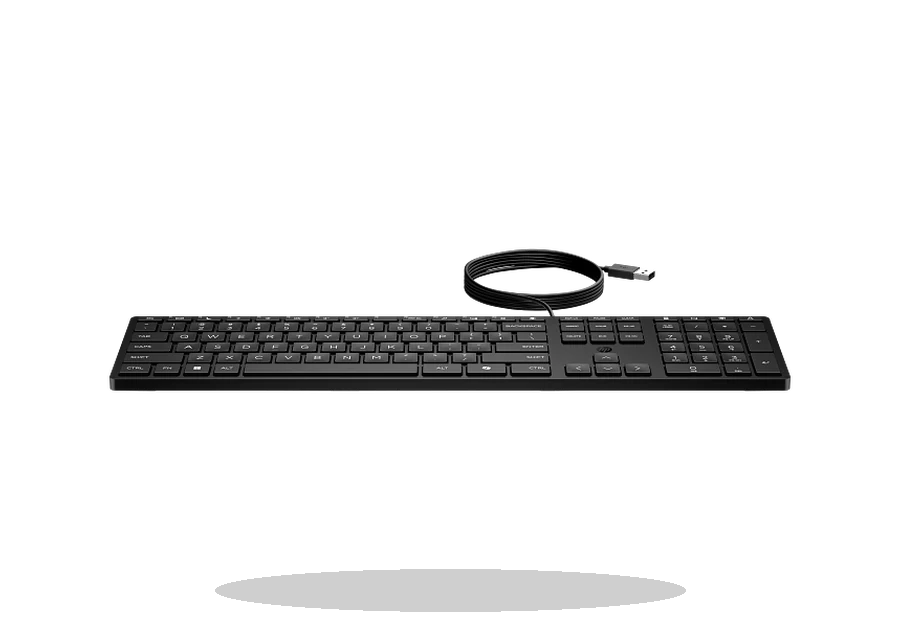
HP Support Assistant Keyboard Driver Utility for Windows
HP HP Support Assistant HP keyboard driver utility driver
HP Support Assistant helps HP users detect accessory and system driver updates, including keyboard-related packages when HP provides them for the device.
HP Support Assistant driver overview
This page is for the HP Support Assistant package or vendor utility listed below. It keeps the supported Windows versions, source reference, version details and installation notes together so the user does not have to guess between unrelated downloads.
When this package is useful
- An HP keyboard or HP PC hotkey package needs vendor update detection.
- A user wants an official HP update path rather than a driver pack.
- A clean HP setup is missing HP input utilities.
Supported Windows versions
Windows 11 / 10
Before installing this HP keyboard driver utility
- Use exact HP model support pages for standalone keyboard drivers.
- Review suggested updates before installing.
- The utility is for HP-supported Windows systems.
The file is stored in the drivers-search.com library. The HP source page is kept as a reference so the local copy can be compared with the vendor release.
Driver file details
- Version
- 9.47.41.0
- Release date
- 2026-06-18
- Size
- 177.19 MB (185,795,736 bytes)
- File type
- EXE
- Manufacturer
- HP
- SHA256 / MD5
- SHA256: 604a7f0fcb434c85d349b3f0e05692acb32ae55a96d60a1f309211a40e19f2e8
How we verify files
- We compare the model, version, and operating system with manufacturer data.
- When an official reference is available, we show the original source.
- We keep checksums so the file can be verified after download.
- We do not disguise third-party installers as drivers.
Installation guide
- Download the file only from the trusted link on this page.
- Check the file size and checksum when they are provided.
- Run the file as administrator only if you trust the source.
- Follow the installer steps and restart the PC if required.
Available downloads
Choose the package that matches your Windows version and installation needs.
Installation screenshots
Visual setup checkpoints before changing Windows driver settings.
Ask a question