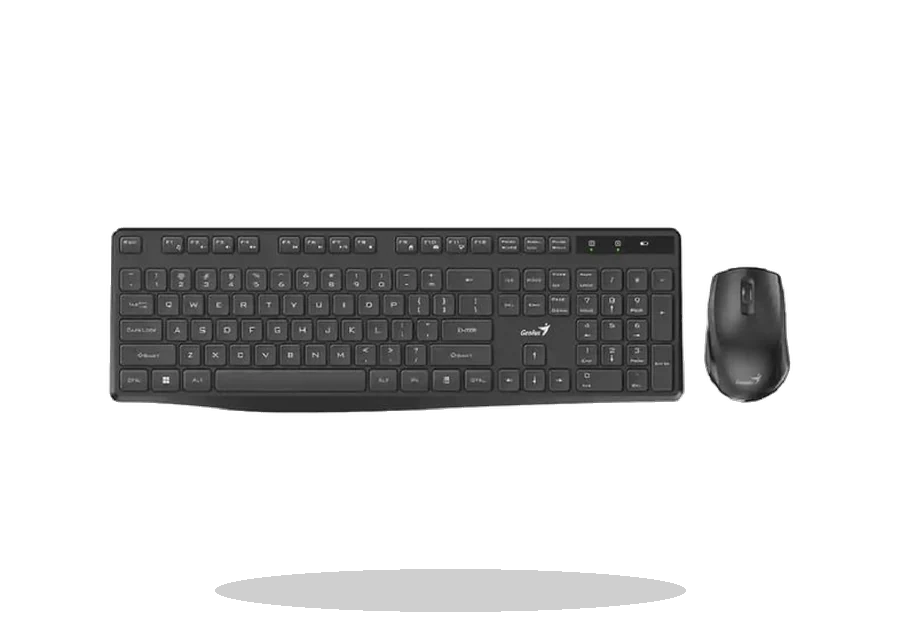
Genius Mouse Driver Software for Windows
Genius Genius Mouse Software Mouse driver software driver
Genius
Source reference
Genius mouse drivers are model-specific and are mainly useful for extra buttons, older wireless receivers or bundled Genius utilities.
Genius Mouse Software driver overview
This page is for the Genius Mouse Software package or vendor utility listed below. It keeps the supported Windows versions, source reference, version details and installation notes together so the user does not have to guess between unrelated downloads.
When this package is useful
- A Genius mouse is detected but extra buttons do not work.
- The model is older and needs a vendor utility.
- A clean Windows setup lacks the Genius mouse software.
Supported Windows versions
Windows 11 / 10 / 8.1 / 7
Before installing this Mouse driver software
- Search by exact Genius model.
- Many mice use the standard HID mouse driver.
- Avoid installing random mouse driver packs.
The Genius source page is kept as the primary reference for this entry while the exact downloadable vendor package is being verified for local mirroring.
Driver file details
- Release date
- 2026-06-18
- File type
- EXE
- Manufacturer
- Genius
How we verify files
- We compare the model, version, and operating system with manufacturer data.
- When an official reference is available, we show the original source.
- We keep checksums so the file can be verified after download.
- We do not disguise third-party installers as drivers.
Installation guide
- Download the file only from the trusted link on this page.
- Check the file size and checksum when they are provided.
- Run the file as administrator only if you trust the source.
- Follow the installer steps and restart the PC if required.
Installation screenshots
Visual setup checkpoints before changing Windows driver settings.
/uploads/install-screens/genius-mouse-driver-software/genius-mouse-driver-software-install-01.webp?v=1 | Check the package | Compare model, Windows version, file size and checksum before opening the installer. | Genius Genius Mouse Software installation step 01
/uploads/install-screens/genius-mouse-driver-software/genius-mouse-driver-software-install-02.webp?v=1 | Run as administrator | Start the local package with administrator rights and allow Windows setup to continue. | Genius Genius Mouse Software installation step 02
/uploads/install-screens/genius-mouse-driver-software/genius-mouse-driver-software-install-03.webp?v=1 | Follow the wizard | Keep the recommended driver components unless the vendor notes say otherwise. | Genius Genius Mouse Software installation step 03
/uploads/install-screens/genius-mouse-driver-software/genius-mouse-driver-software-install-04.webp?v=1 | Finish and verify | Restart if requested, then confirm the device or utility appears in Windows. | Genius Genius Mouse Software installation step 04
Ask a question