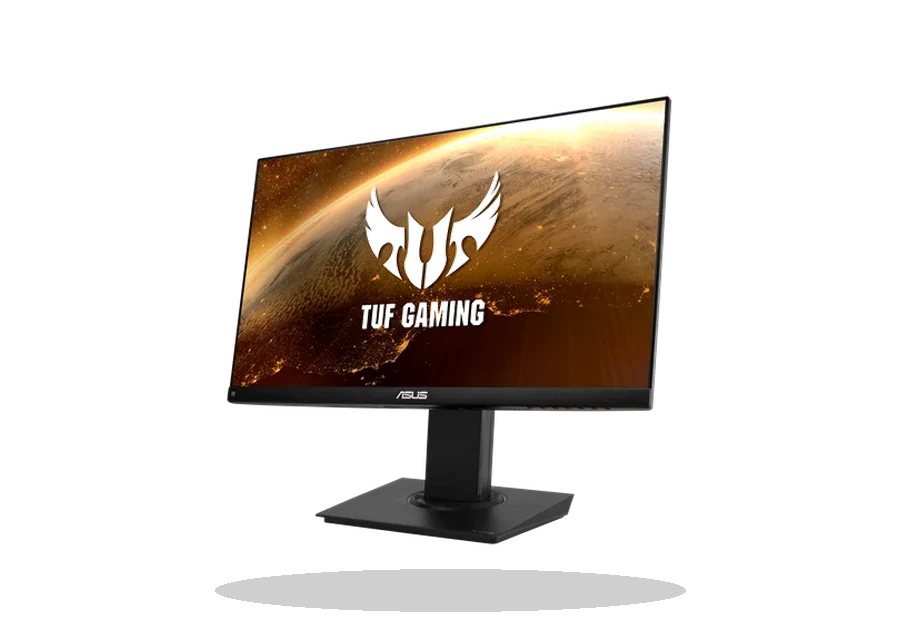
ASUS DisplayWidget Center Driver Utility for Monitors
ASUS ASUS DisplayWidget Center Monitor utility driver
ASUS DisplayWidget Center is the control utility for supported ASUS monitors. It is useful when you want to adjust monitor modes, layout tools and display settings from Windows instead of relying only on the monitor buttons.
ASUS DisplayWidget Center driver overview
This page is for the ASUS DisplayWidget Center package listed below, with a local download, source reference, file size and checksum kept together before installation. It is meant for users who already know the device or vendor package they need and want to avoid guessing between similar model names.
When this package is useful
- The ASUS monitor works but OSD control from Windows is missing.
- You want monitor profiles or display layout tools for a supported ASUS model.
- A clean Windows setup needs the current ASUS monitor utility package.
Supported Windows versions
Windows 11
Before installing
- Check that your exact ASUS monitor model supports DisplayWidget Center.
- Extract the ZIP package before running the installer.
- This utility does not replace the graphics card driver.
The local copy is stored in the drivers-search.com library. The ASUS source page is kept as a reference, so the package can be compared with the original vendor release when needed.
Driver file details
- Version
- 1.4.0
- Release date
- 2026-05-11
- Size
- 14.31 MB (15,007,500 bytes)
- File type
- ZIP
- Manufacturer
- ASUS
- SHA256 / MD5
- SHA256: c3dc76572d535b5a06317323d8ad208af8e32ad8d5de06fadaf20147643e20e3
How we verify files
- We compare the model, version, and operating system with manufacturer data.
- When an official reference is available, we show the original source.
- We keep checksums so the file can be verified after download.
- We do not disguise third-party installers as drivers.
Installation guide
- Download the file only from the trusted link on this page.
- Check the file size and checksum when they are provided.
- Run the file as administrator only if you trust the source.
- Follow the installer steps and restart the PC if required.
Available downloads
Choose the package that matches your Windows version and installation needs.
Installation screenshots
Visual setup checkpoints before changing Windows driver settings.
Ask a question