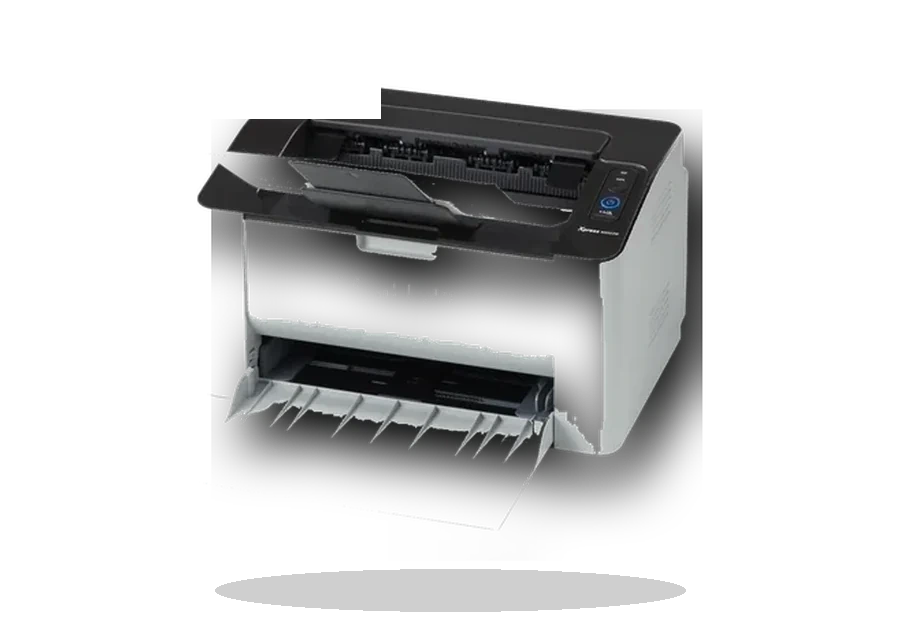
Samsung Universal Print Driver 3 for Windows
Samsung Samsung Universal Print Driver 3 Samsung printer driver driver
Samsung Universal Print Driver 3 is useful for many older Samsung laser printers after Samsung printer support moved under HP hosting.
Samsung Universal Print Driver 3 driver overview
This page is written for the exact Samsung Universal Print Driver 3 package, not for a mixed driver collection. Before downloading, check the version, supported Windows releases, file size and checksum so the installer matches the device on the desk.
When this driver helps
- Windows sees a Samsung printer but uses a generic print queue.
- The exact old model page is hard to locate after the HP transition.
- A shared office PC needs a stable Samsung print driver package.
Supported Windows versions
Windows 10 / 8.1 / 8 / 7 / Vista / XP
Installation notes
- Choose the exact Samsung model inside the installer when prompted.
- Install Samsung utilities separately only if scanning or diagnostics are needed.
- Restart the print spooler or reboot if the queue keeps the old driver.
The file is stored in the drivers-search.com library. The Samsung source page is kept as a reference so the local copy can be checked against the original package.
Driver file details
- Version
- V3.00.00.00:26
- Release date
- 2017-07-12
- Size
- 42.09 MB (44,132,672 bytes)
- File type
- EXE
- Manufacturer
- Samsung
- SHA256 / MD5
- SHA256: e5d14a92fe89efbebc8141fc90ff342de585fb3e0d4511e32223f17aa073d344
How we verify files
- We compare the model, version, and operating system with manufacturer data.
- When an official reference is available, we show the original source.
- We keep checksums so the file can be verified after download.
- We do not disguise third-party installers as drivers.
Installation guide
- Download the file only from the trusted link on this page.
- Check the file size and checksum when they are provided.
- Run the file as administrator only if you trust the source.
- Follow the installer steps and restart the PC if required.
Available downloads
Choose the package that matches your Windows version and installation needs.
Installation screenshots
Visual setup checkpoints before changing Windows driver settings.
Ask a question