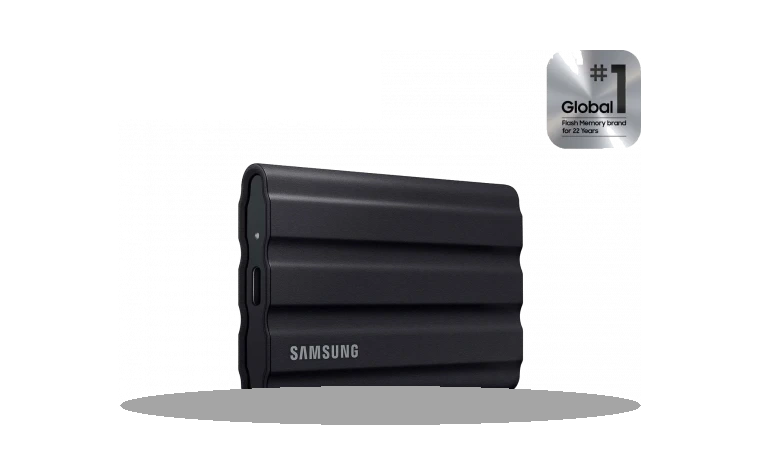
Samsung Portable SSD Software for Windows
Samsung Portable SSD Software Portable SSD utility driver
Samsung Portable SSD Software is used with Samsung external SSDs such as the T5, T7 and T7 Shield families for password and portable drive management features.
Portable SSD Software driver overview
This package belongs in the USB storage section because it is for external Samsung SSDs rather than internal NVMe drives. The local copy is stored with file size and checksum so users can compare it before installing.
When this download is useful
- A Samsung portable SSD needs its management software restored.
- The drive is connected over USB but the password utility is missing.
- A Windows reinstall removed the Samsung portable SSD tools.
Supported Windows versions
Windows 11 / 10 / 8.1 / 7
Before installing
- Connect the Samsung portable SSD directly to the PC, not through an unreliable hub.
- Keep the drive connected while the software installs.
- Do not confuse this with the internal Samsung NVMe driver.
This page keeps a local copy of the package so the version, size and SHA256 checksum are visible before download. Check the model and operating system before running storage software, especially when RAID or firmware tools are involved.
Driver file details
- Version
- 1.0
- Release date
- 2024-01-01
- Size
- 7.12 MB (7,470,528 bytes)
- File type
- EXE
- Manufacturer
- Samsung
- SHA256 / MD5
- SHA256: 6bae37949494ea342fb100416699ff345785a2a441166efc1cca73d6e80e1228
How we verify files
- We compare the model, version, and operating system with manufacturer data.
- When an official reference is available, we show the original source.
- We keep checksums so the file can be verified after download.
- We do not disguise third-party installers as drivers.
Installation guide
- Download the file only from the trusted link on this page.
- Check the file size and checksum when they are provided.
- Run the file as administrator only if you trust the source.
- Follow the installer steps and restart the PC if required.
Available downloads
Choose the package that matches your Windows version and installation needs.
Installation screenshots
Visual setup checkpoints before changing Windows driver settings.
Ask a question