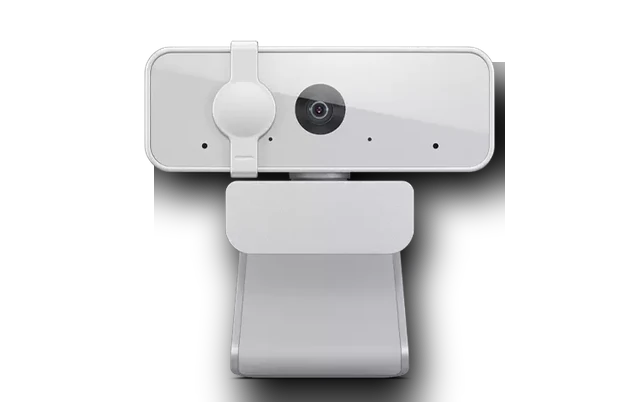
Lenovo Integrated Camera Driver for Windows
Lenovo Lenovo Integrated Camera Laptop webcam driver driver
This Lenovo Integrated Camera driver is for Lenovo laptops where the built-in camera disappears, shows a yellow warning icon or works only as a generic device.
Lenovo Integrated Camera driver overview
Lenovo camera drivers are usually automatic, but clean Windows installations and corporate images can miss the exact imaging component. The local CAB copy makes the package easy to verify before installing it.
When this webcam driver helps
- The integrated Lenovo camera is missing in Device Manager.
- Windows Camera reports that no camera can be found.
- A Lenovo laptop image was restored without the vendor camera package.
Supported Windows versions
Windows 11 / 10 is listed for this package. Match the exact webcam model or hardware ID before installing it.
Before installing
Download the file from this local drivers-search.com copy, compare the visible file size and SHA256 checksum, then install it from setup or Device Manager. After installation, restart Windows or at least close and reopen the app that uses the camera.
Driver file details
- Version
- 10.0.22000.20395
- Release date
- 2026-05-14
- Size
- 29.6 MB (31,041,383 bytes)
- File type
- CAB
- Manufacturer
- Lenovo
- SHA256 / MD5
- SHA256: 230bdb7eca5df19320fa4269bcf9535b8365883513cfd524321aec5e58805051
How we verify files
- We compare the model, version, and operating system with manufacturer data.
- When an official reference is available, we show the original source.
- We keep checksums so the file can be verified after download.
- We do not disguise third-party installers as drivers.
Installation guide
- Download the file only from the trusted link on this page.
- Check the file size and checksum when they are provided.
- Run the file as administrator only if you trust the source.
- Follow the installer steps and restart the PC if required.
Available downloads
Choose the package that matches your Windows version and installation needs.
Installation screenshots
Visual setup checkpoints before changing Windows driver settings.
Ask a question