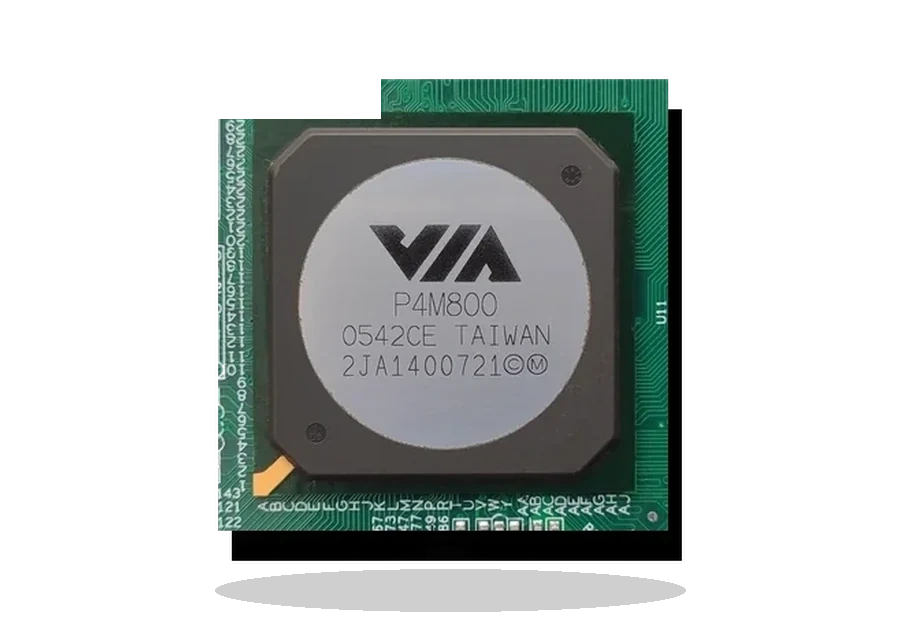
VIA Hyperion Pro Chipset Driver for Windows
VIA VIA Hyperion Pro Legacy chipset driver driver
VIA Hyperion Pro is a legacy 4-in-1 chipset package for older VIA motherboard chipsets where modern Windows does not provide every platform component cleanly.
VIA Hyperion Pro driver overview
This page is written for the exact VIA Hyperion Pro package, not for a mixed driver collection. Before downloading, check the version, supported Windows releases, file size and checksum so the installer matches the device on the desk.
When this driver helps
- An older VIA-based PC is being restored.
- AGP, IDE, RAID or INF components are missing after Windows installation.
- The motherboard documentation refers to VIA 4-in-1 or Hyperion Pro drivers.
Supported Windows versions
Windows 7 / Vista / XP / 2000
Installation notes
- This is a legacy package and should not be used on modern PCs.
- Back up the system before changing old IDE/RAID drivers.
- Check the chipset family before installation.
The file is stored in the drivers-search.com library. The VIA source page is kept as a reference so the local copy can be checked against the original package.
Driver file details
- Version
- 5.24A
- Release date
- 2009-06-09
- Size
- 12.68 MB (13,299,373 bytes)
- File type
- ZIP
- Manufacturer
- VIA
- SHA256 / MD5
- SHA256: e706e033db40efdd8ef5e8d0d1d354e24f4432f73a2a3e0e5ce3ec992db0a4ff
How we verify files
- We compare the model, version, and operating system with manufacturer data.
- When an official reference is available, we show the original source.
- We keep checksums so the file can be verified after download.
- We do not disguise third-party installers as drivers.
Installation guide
- Download the file only from the trusted link on this page.
- Check the file size and checksum when they are provided.
- Run the file as administrator only if you trust the source.
- Follow the installer steps and restart the PC if required.
Available downloads
Choose the package that matches your Windows version and installation needs.
Installation screenshots
Visual setup checkpoints before changing Windows driver settings.
Ask a question