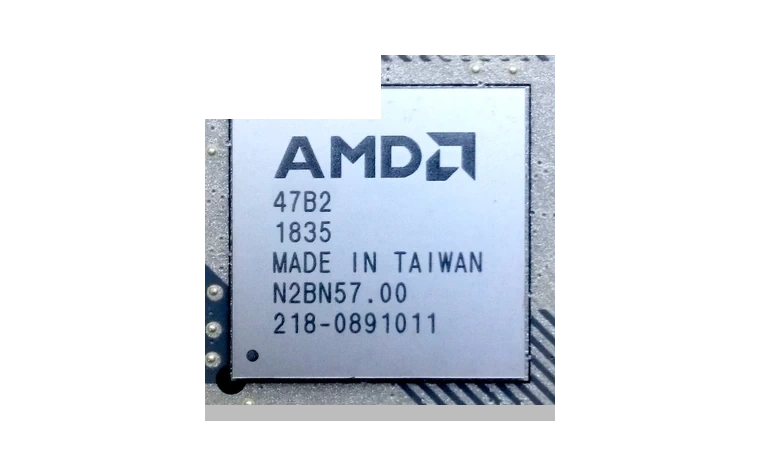
AMD RAID Controller Driver is for systems using AMD chipset RAID mode instead of a plain AHCI storage layout.
RAID Controller driver overview
Use this page when the AMD RAID device appears without a proper driver, a Windows installation cannot see a RAID volume, or the storage controller needs a signed package before the AMD chipset stack is complete.
When this package helps
- Windows setup or Device Manager does not identify the AMD RAID controller correctly.
- A Ryzen or AM5 system is configured for RAID mode in BIOS.
- A storage array remains visible but performance or device naming looks wrong.
Supported Windows versions
Windows 11 / 10
Before installing
- Do not install a RAID driver on systems using normal AHCI mode only.
- Back up important data before changing storage controller drivers.
- After import, restart and confirm the RAID array is healthy in AMD software or BIOS.
The download stored here is a local copy for this driver page. Compare the model, version, file size and SHA256 checksum before running the installer or importing the INF/CAB package in Device Manager.
Driver file details
- Version
- 9.3.3.329
- Release date
- 2026-05-13
- Size
- 263.35 KB (269,673 bytes)
- File type
- CAB
- Manufacturer
- AMD
- SHA256 / MD5
- SHA256: f01de79b2a10cadde8a2135cad9c29489b298f8879d5743cd0f46fa450b1ac18
How we verify files
- We compare the model, version, and operating system with manufacturer data.
- When an official reference is available, we show the original source.
- We keep checksums so the file can be verified after download.
- We do not disguise third-party installers as drivers.
Installation guide
- Download the file only from the trusted link on this page.
- Check the file size and checksum when they are provided.
- Run the file as administrator only if you trust the source.
- Follow the installer steps and restart the PC if required.
Available downloads
Choose the package that matches your Windows version and installation needs.
AMD RAID Controller Driver for Windows | 9.3.3.329 | 2026-05-13 | Windows 11 / 10 | 64-bit | 263.35 KB (269,673 bytes) | https://drivers-search.com/uploads/public_files/2026-06/amd-raid-controller-driver-9.3.3.329.cab | SHA256: f01de79b2a10cadde8a2135cad9c29489b298f8879d5743cd0f46fa450b1ac18 | https://www.amd.com/en/support/download/drivers.html
Installation screenshots
Visual setup checkpoints before changing Windows driver settings.
/uploads/install-screens/chipset-monitor-20260621/amd-raid-controller-driver/amd-raid-controller-driver-install-01.webp?v=4 | Open Device Manager | Find AMD RAID Controller or the matching device class before updating the driver. | AMD RAID Controller Device Manager selection
/uploads/install-screens/chipset-monitor-20260621/amd-raid-controller-driver/amd-raid-controller-driver-install-02.webp?v=4 | Browse local package | Choose the extracted local driver folder for AMD RAID Controller. | AMD RAID Controller local driver folder selection
/uploads/install-screens/chipset-monitor-20260621/amd-raid-controller-driver/amd-raid-controller-driver-install-03.webp?v=4 | Select driver entry | Select the matching INF or driver entry and confirm the model name. | AMD RAID Controller driver entry selection
/uploads/install-screens/chipset-monitor-20260621/amd-raid-controller-driver/amd-raid-controller-driver-install-04.webp?v=4 | Finish installation | Close the wizard after Windows confirms the driver update. | AMD RAID Controller successful driver installation
Ask a question