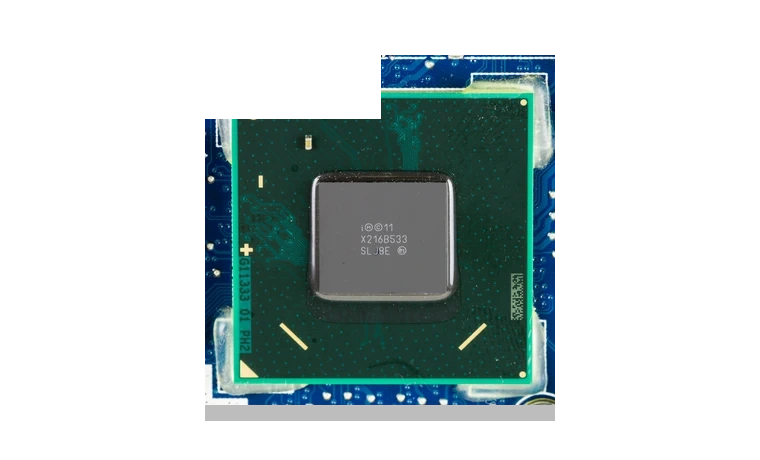
Intel Management Engine Interface Driver for Windows
Intel Management Engine Interface Chipset driver
Intel Management Engine Interface is the chipset-side driver Windows uses to talk to Intel platform firmware on many desktop and notebook motherboards.
Management Engine Interface driver overview
This package is useful after a clean Windows installation, a Device Manager warning under System devices, or a motherboard support update where Intel MEI is required before management and power features behave correctly.
When this package helps
- Device Manager shows an unknown PCI or System device after Windows setup.
- A motherboard vendor recommends installing Intel ME before BIOS or chipset utilities.
- Sleep, power management, or firmware communication features are unreliable.
Supported Windows versions
Windows 11 / 10
Before installing
- Install the main chipset INF package first when the motherboard vendor provides one.
- Use Device Manager to import CAB drivers if Windows does not expose a normal setup wizard.
- Restart Windows before judging whether the unknown device is fixed.
The download stored here is a local copy for this driver page. Compare the model, version, file size and SHA256 checksum before running the installer or importing the INF/CAB package in Device Manager.
Driver file details
- Version
- 2603.9.4.0
- Release date
- 2026-03-24
- Size
- 236.59 KB (242,265 bytes)
- File type
- CAB
- Manufacturer
- Intel
- SHA256 / MD5
- SHA256: 4b850fd3d97206a97b4bd39cce5511dde94c25376328bff86601804fcf3c1899
How we verify files
- We compare the model, version, and operating system with manufacturer data.
- When an official reference is available, we show the original source.
- We keep checksums so the file can be verified after download.
- We do not disguise third-party installers as drivers.
Installation guide
- Download the file only from the trusted link on this page.
- Check the file size and checksum when they are provided.
- Run the file as administrator only if you trust the source.
- Follow the installer steps and restart the PC if required.
Available downloads
Choose the package that matches your Windows version and installation needs.
Installation screenshots
Visual setup checkpoints before changing Windows driver settings.
Ask a question