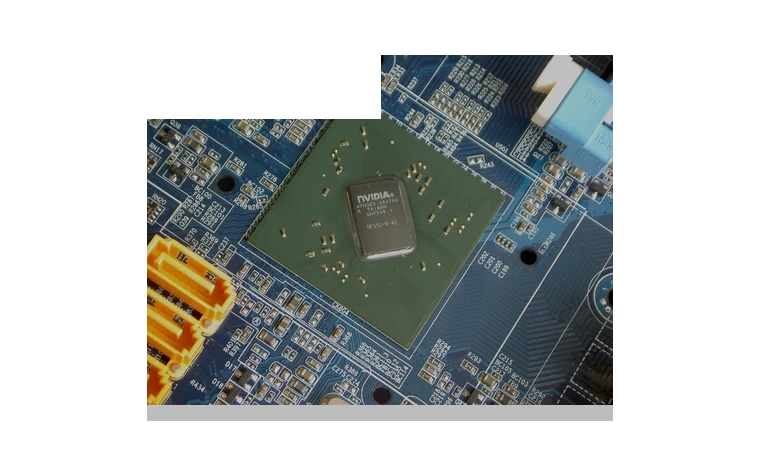
NVIDIA nForce 15.58 Chipset Driver for Windows
NVIDIA nForce 15.58 Chipset driver
NVIDIA
Verified local copy
NVIDIA nForce 15.58 is a legacy chipset package for older nForce motherboards running 64-bit Windows 7 or Vista.
nForce 15.58 driver overview
This is not a graphics card driver. It is for the chipset devices on older NVIDIA nForce platforms, including storage, Ethernet and SMBus components that may remain unresolved after a fresh Windows install.
When this package helps
- An old nForce motherboard has missing chipset or network devices.
- Windows 7 was reinstalled and generic drivers do not cover the platform properly.
- You need the final WHQL-era NVIDIA chipset package for a legacy build.
Supported Windows versions
Windows 7 / Vista
Before installing
- Use it only on supported nForce chipsets, not on modern NVIDIA graphics cards.
- Create a restore point before updating storage or Ethernet components on an older system.
- Install graphics drivers separately if the PC also has an NVIDIA GPU.
The download stored here is a local copy for this driver page. Compare the model, version, file size and SHA256 checksum before running the installer or importing the INF/CAB package in Device Manager.
Driver file details
- Version
- 15.58
- Release date
- 2011-05-02
- Size
- 70.95 MB (74,392,768 bytes)
- File type
- EXE
- Manufacturer
- NVIDIA
- SHA256 / MD5
- SHA256: bf137d731e15cfd9574ec043c193d86f698502a189755fdd11e7db7ee8f888f7
How we verify files
- We compare the model, version, and operating system with manufacturer data.
- When an official reference is available, we show the original source.
- We keep checksums so the file can be verified after download.
- We do not disguise third-party installers as drivers.
Installation guide
- Download the file only from the trusted link on this page.
- Check the file size and checksum when they are provided.
- Run the file as administrator only if you trust the source.
- Follow the installer steps and restart the PC if required.
Available downloads
Choose the package that matches your Windows version and installation needs.
NVIDIA nForce 15.58 Chipset Driver for Windows | 15.58 | 2011-05-02 | Windows 7 / Vista | 64-bit | 70.95 MB (74,392,768 bytes) | https://drivers-search.com/uploads/public_files/2026-06/nvidia-nforce-chipset-driver-15.58.exe | SHA256: bf137d731e15cfd9574ec043c193d86f698502a189755fdd11e7db7ee8f888f7 | https://www.nvidia.com/en-us/drivers/nforce/15_58/nforce-vista-win7-64bit-15-58-driver/
Installation screenshots
Visual setup checkpoints before changing Windows driver settings.
/uploads/install-screens/chipset-monitor-20260621/nvidia-nforce-15-58-chipset-driver/nvidia-nforce-15-58-chipset-driver-install-01.webp?v=4 | Open Device Manager | Find NVIDIA nForce chipset or the matching device class before updating the driver. | NVIDIA nForce chipset Device Manager selection
/uploads/install-screens/chipset-monitor-20260621/nvidia-nforce-15-58-chipset-driver/nvidia-nforce-15-58-chipset-driver-install-02.webp?v=4 | Browse local package | Choose the extracted local driver folder for NVIDIA nForce chipset. | NVIDIA nForce chipset local driver folder selection
/uploads/install-screens/chipset-monitor-20260621/nvidia-nforce-15-58-chipset-driver/nvidia-nforce-15-58-chipset-driver-install-03.webp?v=4 | Select driver entry | Select the matching INF or driver entry and confirm the model name. | NVIDIA nForce chipset driver entry selection
/uploads/install-screens/chipset-monitor-20260621/nvidia-nforce-15-58-chipset-driver/nvidia-nforce-15-58-chipset-driver-install-04.webp?v=4 | Finish installation | Close the wizard after Windows confirms the driver update. | NVIDIA nForce chipset successful driver installation
Ask a question