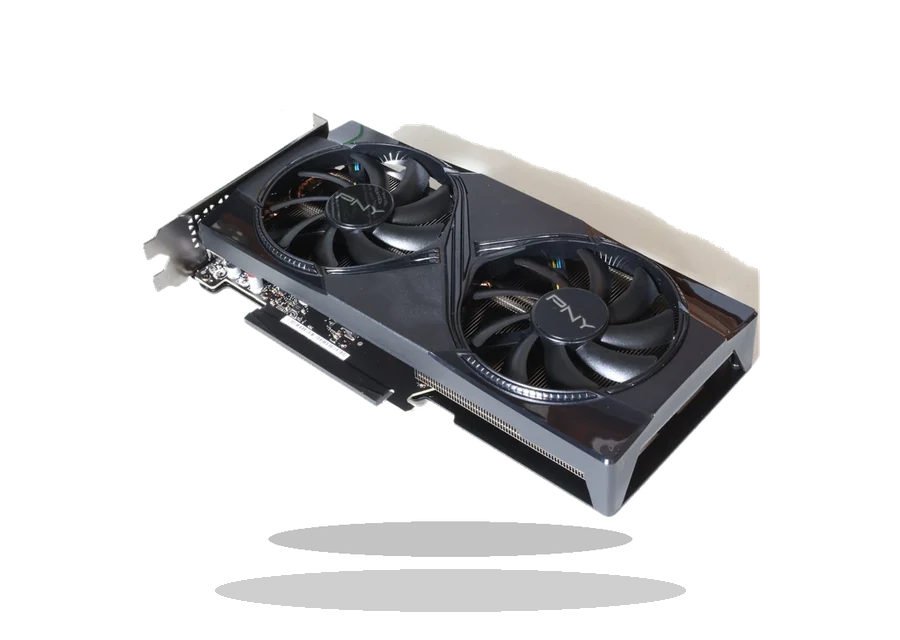
NVIDIA GeForce Game Ready Driver for Windows
NVIDIA NVIDIA GeForce RTX / GTX graphics cards Graphics card driver driver
NVIDIA GeForce Game Ready Driver is for supported desktop GeForce RTX and GTX graphics cards on 64-bit Windows 10 and Windows 11 systems.
NVIDIA GeForce RTX / GTX graphics cards driver overview
This page keeps a local copy of the NVIDIA GeForce RTX / GTX graphics cards package for Windows users who want the file, version, supported systems and source reference in one place before installing anything.
When this driver is useful
- Windows uses Microsoft Basic Display Adapter after a clean install.
- Games or GPU applications require the current NVIDIA driver branch.
- A desktop GeForce card needs the DCH WHQL package.
Before installing
Check the device model first, then compare the supported Windows version, package date, file size and checksum shown on this page. Do not use the package for a similar model unless the manufacturer lists it as compatible.
Installation notes
- Use a notebook-specific NVIDIA package for some laptops.
- Close games and GPU tools before installation.
- Choose Custom installation if you need to reset old NVIDIA profiles.
The file is stored in the drivers-search.com local library and the source reference is kept for verification. For branded notebooks, motherboards and adapters, vendor-customized packages may be preferable when the PC maker provides a newer model-specific release.
Driver file details
- Version
- 595.97
- Release date
- 2026-06-18
- Size
- 913.01 MB (957,358,592 bytes)
- File type
- EXE
- Manufacturer
- NVIDIA
- SHA256 / MD5
- SHA256: 979ed00fea181c786f608967377d6d83ac82e6368275994a4182ec79d97b3122
How we verify files
- We compare the model, version, and operating system with manufacturer data.
- When an official reference is available, we show the original source.
- We keep checksums so the file can be verified after download.
- We do not disguise third-party installers as drivers.
Installation guide
- Download the file only from the trusted link on this page.
- Check the file size and checksum when they are provided.
- Run the file as administrator only if you trust the source.
- Follow the installer steps and restart the PC if required.
Available downloads
Choose the package that matches your Windows version and installation needs.
Installation screenshots
Visual setup checkpoints before changing Windows driver settings.
Ask a question