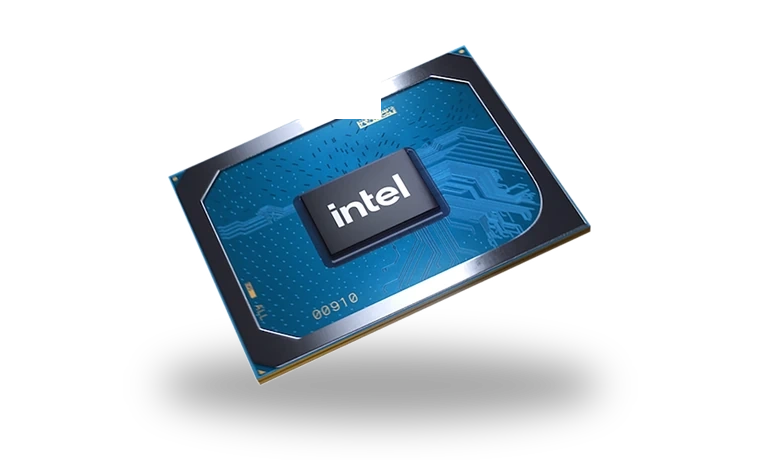
Intel Iris Xe Graphics Driver for Windows
Intel Intel Iris Xe Graphics Integrated graphics driver
Intel Iris Xe Graphics is integrated into many thin laptops and compact desktops. This driver page is for Windows systems where the Intel graphics stack is missing, outdated or replaced by Microsoft Basic Display Adapter.
Intel Iris Xe Graphics driver overview
Iris Xe drivers are often delivered by the laptop maker, while Intel also publishes generic Arc and Iris Xe packages. This local copy is kept for users who need a known Windows driver package with version, size and checksum visible before download, especially after reinstalling Windows on a laptop.
When this graphics driver helps
- Brightness control, sleep or external display output stops working after a Windows reinstall.
- Device Manager shows Microsoft Basic Display Adapter instead of Intel Iris Xe Graphics.
- A laptop needs the Intel graphics driver before installing display utilities or docking software.
Supported Windows versions
Windows 11 / 10 (64-bit).
Before installing
- For business laptops, prefer the OEM driver when the manufacturer provides a newer tested build.
- Keep the laptop plugged in during installation because the screen may refresh during setup.
- After setup, check Windows Update only after the Intel driver is working normally.
The file is stored in the drivers-search.com library. Before installing, compare the model, Windows version, file size and checksum shown on this page.
Driver file details
- Version
- 31.0.101.2130, A01
- Release date
- 2022-06-13
- Size
- 669.8 MB (702,340,312 bytes)
- File type
- EXE
- Manufacturer
- Intel
- SHA256 / MD5
- SHA256: 08c811c955b598ef12dd9a2b45a888aebab329fbe135dc23579da3ee9c563764
How we verify files
- We compare the model, version, and operating system with manufacturer data.
- When an official reference is available, we show the original source.
- We keep checksums so the file can be verified after download.
- We do not disguise third-party installers as drivers.
Installation guide
- Download the file only from the trusted link on this page.
- Check the file size and checksum when they are provided.
- Run the file as administrator only if you trust the source.
- Follow the installer steps and restart the PC if required.
Available downloads
Choose the package that matches your Windows version and installation needs.
Installation screenshots
Visual setup checkpoints before changing Windows driver settings.
Ask a question