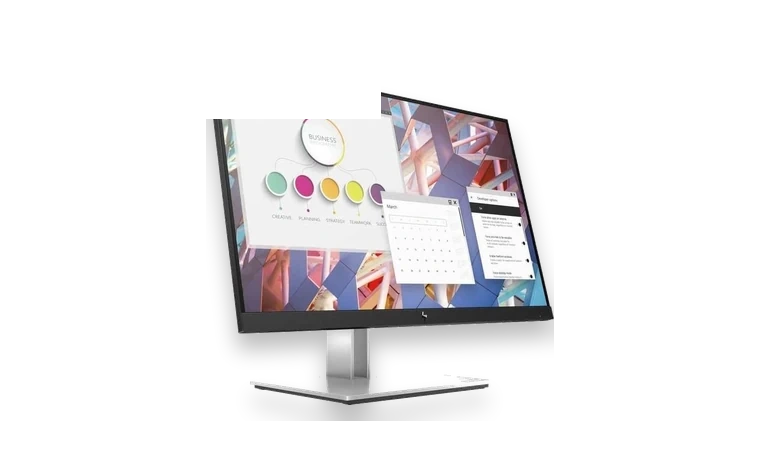
HP E24 G4 FHD monitor driver installs the HP display INF and profile information for Windows.
E24 G4 FHD driver overview
This is the kind of small monitor driver administrators often keep for office machines. It helps Windows identify the HP E24 G4 FHD correctly and attach the matching monitor profile after imaging or reinstalling a PC.
When this package helps
- Windows lists the display as Generic PnP Monitor.
- A managed desktop image needs the HP monitor INF.
- The monitor profile disappeared after a Windows reinstall.
Supported Windows versions
Windows 11 / 10
Before installing
- Extract the CAB before using Device Manager.
- Install GPU drivers separately for display output features.
- Reconnect the display if Windows does not refresh the model name immediately.
The download stored here is a local copy for this driver page. Compare the model, version, file size and SHA256 checksum before running the installer or importing the INF/CAB package in Device Manager.
Driver file details
- Version
- 1.0.0.0
- Release date
- 2020-08-17
- Size
- 15.79 KB (16,166 bytes)
- File type
- CAB
- Manufacturer
- HP
- SHA256 / MD5
- SHA256: ce6671b469c5869a12c23446e77a6ac44d7bf07e2580d93e19241e0cdd995975
How we verify files
- We compare the model, version, and operating system with manufacturer data.
- When an official reference is available, we show the original source.
- We keep checksums so the file can be verified after download.
- We do not disguise third-party installers as drivers.
Installation guide
- Download the file only from the trusted link on this page.
- Check the file size and checksum when they are provided.
- Run the file as administrator only if you trust the source.
- Follow the installer steps and restart the PC if required.
Available downloads
Choose the package that matches your Windows version and installation needs.
HP E24 G4 FHD Monitor Driver for Windows | 1.0.0.0 | 2020-08-17 | Windows 11 / 10 | 32-bit / 64-bit | 15.79 KB (16,166 bytes) | https://drivers-search.com/uploads/public_files/2026-06/hp-e24-g4-fhd-monitor-driver.cab | SHA256: ce6671b469c5869a12c23446e77a6ac44d7bf07e2580d93e19241e0cdd995975 | https://support.hp.com/us-en/drivers/hp-e24-g4-fhd-monitor/34513956
Installation screenshots
Visual setup checkpoints before changing Windows driver settings.
/uploads/install-screens/chipset-monitor-20260621/hp-e24-g4-fhd-monitor-driver/hp-e24-g4-fhd-monitor-driver-install-01.webp?v=4 | Open Device Manager | Find HP E24 G4 FHD Monitor or the matching device class before updating the driver. | HP E24 G4 FHD Monitor Device Manager selection
/uploads/install-screens/chipset-monitor-20260621/hp-e24-g4-fhd-monitor-driver/hp-e24-g4-fhd-monitor-driver-install-02.webp?v=4 | Browse local package | Choose the extracted local driver folder for HP E24 G4 FHD Monitor. | HP E24 G4 FHD Monitor local driver folder selection
/uploads/install-screens/chipset-monitor-20260621/hp-e24-g4-fhd-monitor-driver/hp-e24-g4-fhd-monitor-driver-install-03.webp?v=4 | Select driver entry | Select the matching INF or driver entry and confirm the model name. | HP E24 G4 FHD Monitor driver entry selection
/uploads/install-screens/chipset-monitor-20260621/hp-e24-g4-fhd-monitor-driver/hp-e24-g4-fhd-monitor-driver-install-04.webp?v=4 | Finish installation | Close the wizard after Windows confirms the driver update. | HP E24 G4 FHD Monitor successful driver installation
Ask a question