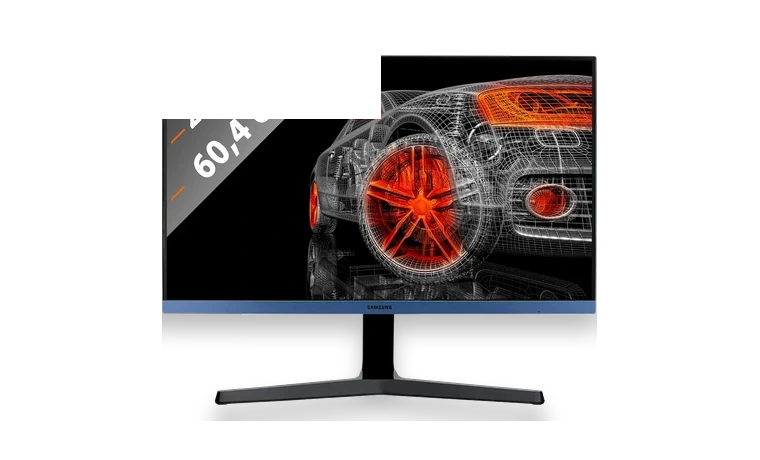
Samsung S24R358FHU Monitor Driver for Windows
Samsung S24R358FHU Monitor driver
Samsung S24R358FHU uses the S24R35x monitor driver package to install model identification and monitor profile files in Windows.
S24R358FHU driver overview
This page keeps the Samsung driver package separate from unrelated display utilities. Use it when the monitor is shown as a generic display or when you want Windows to keep the correct Samsung model and color profile attached to the screen.
When this package helps
- The Samsung display is connected but Windows only shows a generic monitor entry.
- The driver is needed for a clean office or home PC reinstall.
- A color profile has to be restored after replacing the graphics driver.
Supported Windows versions
Windows 11 / 10 / 8.1 / 7
Before installing
- Install the graphics card driver separately.
- Use the Samsung package only for the S24R35x monitor family.
- Restart the PC or reconnect HDMI after the monitor profile is imported.
The download stored here is a local copy for this driver page. Compare the model, version, file size and SHA256 checksum before running the installer or importing the INF/CAB package in Device Manager.
Driver file details
- Version
- S24R35x
- Release date
- 2019-09-03
- Size
- 8.12 MB (8,511,488 bytes)
- File type
- EXE
- Manufacturer
- Samsung
- SHA256 / MD5
- SHA256: bc3d337747a5c8381f0638a2dedcc33140093ca92b388d541ee982c08bfc812b
How we verify files
- We compare the model, version, and operating system with manufacturer data.
- When an official reference is available, we show the original source.
- We keep checksums so the file can be verified after download.
- We do not disguise third-party installers as drivers.
Installation guide
- Download the file only from the trusted link on this page.
- Check the file size and checksum when they are provided.
- Run the file as administrator only if you trust the source.
- Follow the installer steps and restart the PC if required.
Available downloads
Choose the package that matches your Windows version and installation needs.
Installation screenshots
Visual setup checkpoints before changing Windows driver settings.
Ask a question