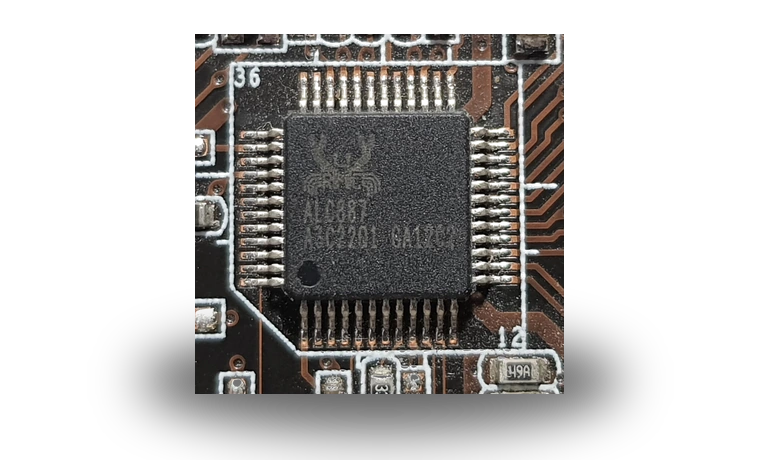
Realtek Audio Driver for Lenovo Laptops for Windows
Realtek Realtek Audio for Lenovo laptops Audio driver driver
This Realtek audio package is for Lenovo laptops where Windows 11 has lost the built-in speakers, microphone input or headset jack after a clean install or a major update.
Realtek Audio for Lenovo laptops driver overview
It is a recent Lenovo-packaged Realtek audio driver, stored here as a local copy with the exact file size and checksum visible before download. Use it when the device still shows a Realtek audio controller but Windows is using a basic driver or no sound device at all.
When this audio driver helps
- The laptop has no sound after Windows 11 was reinstalled.
- Headphones or the internal microphone stopped appearing in Windows settings.
- Device Manager lists an audio controller but the Realtek package is missing.
Supported Windows versions
Windows 11 is listed for this package. Check the exact device model and Windows version before running the installer.
Before installing
Download the local file from this page, compare the visible file size and SHA256 checksum, close audio applications, then run the installer or update the device from Device Manager. Restart Windows before testing speakers, microphone and headset output.
Driver file details
- Version
- 6.0.9966.1
- Release date
- 2026-06-11
- Size
- 64.77 MB (67,918,736 bytes)
- File type
- EXE
- Manufacturer
- Realtek
- SHA256 / MD5
- SHA256: 4916ab1a8c33ea1ed57482153ebb588818c55f2b54d6d064b2b5c9d5f815b773
How we verify files
- We compare the model, version, and operating system with manufacturer data.
- When an official reference is available, we show the original source.
- We keep checksums so the file can be verified after download.
- We do not disguise third-party installers as drivers.
Installation guide
- Download the file only from the trusted link on this page.
- Check the file size and checksum when they are provided.
- Run the file as administrator only if you trust the source.
- Follow the installer steps and restart the PC if required.
Available downloads
Choose the package that matches your Windows version and installation needs.
Installation screenshots
Visual setup checkpoints before changing Windows driver settings.
Ask a question