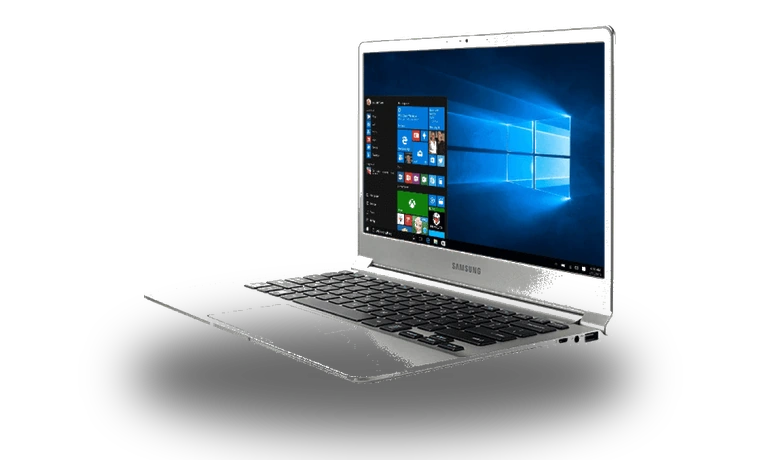
Samsung System Support Service Driver for Windows
Samsung Samsung System Support Service Laptop support service driver driver
This Samsung System Support Service driver is for Samsung laptops where Windows needs the vendor service component for Samsung-specific device controls.
Samsung System Support Service driver overview
The service package helps Samsung laptop utilities communicate with system hardware after Windows has been installed from scratch. This page stores the CAB locally and shows the checksum before download.
When this laptop driver helps
- Samsung laptop utilities do not detect the notebook correctly.
- Device Manager lists a Samsung software component without a driver.
- Windows was installed cleanly and Samsung device controls are missing.
Supported Windows versions
Windows 11 is listed for this package. Match the laptop brand, device name and Windows build before installing it.
Before installing
Download the file from this local drivers-search.com copy, compare the visible file size and SHA256 checksum, then install it from the setup wizard or Device Manager. Restart Windows before checking laptop controls or utilities.
Driver file details
- Version
- 8.0.8.0
- Release date
- 2026-03-03
- Size
- 11.3 MB (11,853,204 bytes)
- File type
- CAB
- Manufacturer
- Samsung
- SHA256 / MD5
- SHA256: 7703a0db2df27ed17eff0f74c8a6526bc66c8a1b169430ccf363612dbbe64a01
How we verify files
- We compare the model, version, and operating system with manufacturer data.
- When an official reference is available, we show the original source.
- We keep checksums so the file can be verified after download.
- We do not disguise third-party installers as drivers.
Installation guide
- Download the file only from the trusted link on this page.
- Check the file size and checksum when they are provided.
- Run the file as administrator only if you trust the source.
- Follow the installer steps and restart the PC if required.
Available downloads
Choose the package that matches your Windows version and installation needs.
Installation screenshots
Visual setup checkpoints before changing Windows driver settings.
Ask a question