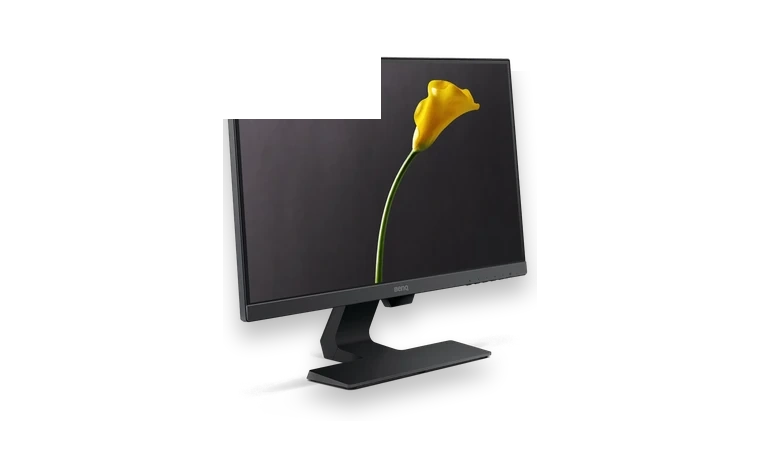
BenQ GW2480 monitor driver is the WHQL package used to install the monitor INF and profile files in Windows.
GW2480 driver overview
This page is focused on the actual GW2480 monitor package, not a generic driver updater. Use it when Windows detects the screen generically or when you want the BenQ color profile available after a clean install.
When this package helps
- The BenQ screen appears as a generic monitor.
- A color profile is needed for a new Windows installation.
- You are setting up a workstation and want the exact monitor model listed.
Supported Windows versions
Windows 10 / 8 / 7
Before installing
- Extract the WHQL ZIP before importing the INF.
- Brightness and OSD controls remain handled by the monitor itself.
- Update the graphics driver separately if resolution options are missing.
The download stored here is a local copy for this driver page. Compare the model, version, file size and SHA256 checksum before running the installer or importing the INF/CAB package in Device Manager.
Driver file details
- Version
- MP
- Release date
- 2018-06-12
- Size
- 9.09 KB (9,309 bytes)
- File type
- ZIP
- Manufacturer
- BenQ
- SHA256 / MD5
- SHA256: a82aadce975d069bbc22a70feb400cd8bde42c7c29cd672447908418b2262141
How we verify files
- We compare the model, version, and operating system with manufacturer data.
- When an official reference is available, we show the original source.
- We keep checksums so the file can be verified after download.
- We do not disguise third-party installers as drivers.
Installation guide
- Download the file only from the trusted link on this page.
- Check the file size and checksum when they are provided.
- Run the file as administrator only if you trust the source.
- Follow the installer steps and restart the PC if required.
Available downloads
Choose the package that matches your Windows version and installation needs.
BenQ GW2480 Monitor Driver for Windows | MP | 2018-06-12 | Windows 10 / 8 / 7 | 32-bit / 64-bit | 9.09 KB (9,309 bytes) | https://drivers-search.com/uploads/public_files/2026-06/benq-gw2480-monitor-whql-driver.zip | SHA256: a82aadce975d069bbc22a70feb400cd8bde42c7c29cd672447908418b2262141 | https://www.benq.eu/en-eu/support/downloads-faq/products/monitor/gw2480/software-driver.html
Installation screenshots
Visual setup checkpoints before changing Windows driver settings.
/uploads/install-screens/chipset-monitor-20260621/benq-gw2480-monitor-driver/benq-gw2480-monitor-driver-install-01.webp?v=4 | Open Device Manager | Find BenQ GW2480 Monitor or the matching device class before updating the driver. | BenQ GW2480 Monitor Device Manager selection
/uploads/install-screens/chipset-monitor-20260621/benq-gw2480-monitor-driver/benq-gw2480-monitor-driver-install-02.webp?v=4 | Browse local package | Choose the extracted local driver folder for BenQ GW2480 Monitor. | BenQ GW2480 Monitor local driver folder selection
/uploads/install-screens/chipset-monitor-20260621/benq-gw2480-monitor-driver/benq-gw2480-monitor-driver-install-03.webp?v=4 | Select driver entry | Select the matching INF or driver entry and confirm the model name. | BenQ GW2480 Monitor driver entry selection
/uploads/install-screens/chipset-monitor-20260621/benq-gw2480-monitor-driver/benq-gw2480-monitor-driver-install-04.webp?v=4 | Finish installation | Close the wizard after Windows confirms the driver update. | BenQ GW2480 Monitor successful driver installation
Ask a question