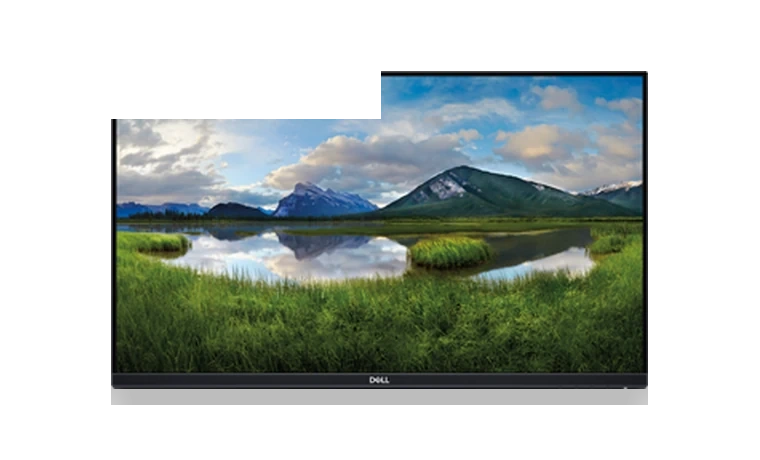
Dell P2419H monitor driver adds the Dell INF and color profile so Windows can identify the display by model instead of using a generic PnP monitor name.
P2419H driver overview
The driver is small because monitor packages usually contain identification and color profile files, not a large service application. It is useful when the Dell P2419H is detected generically, display color profiles are missing, or a managed desktop image requires the exact monitor INF.
When this package helps
- Windows lists the display as Generic PnP Monitor.
- A color-managed workflow needs the Dell monitor profile installed.
- You are preparing a clean office PC image with the correct monitor name.
Supported Windows versions
Windows 11 / 10 / 8.1 / 7
Before installing
- Extract the CAB before updating the monitor driver from Device Manager.
- The graphics card driver still controls resolution and refresh behavior.
- Use the monitor OSD reset if Windows detects the display but colors look unusual.
The download stored here is a local copy for this driver page. Compare the model, version, file size and SHA256 checksum before running the installer or importing the INF/CAB package in Device Manager.
Driver file details
- Version
- A00-00
- Release date
- 2018-04-13
- Size
- 24.49 KB (25,079 bytes)
- File type
- CAB
- Manufacturer
- Dell
- SHA256 / MD5
- SHA256: c1bd6c4e65b1efb4f1733d172c21ee1a2ed2e28086485c6b732333de31fe15bd
How we verify files
- We compare the model, version, and operating system with manufacturer data.
- When an official reference is available, we show the original source.
- We keep checksums so the file can be verified after download.
- We do not disguise third-party installers as drivers.
Installation guide
- Download the file only from the trusted link on this page.
- Check the file size and checksum when they are provided.
- Run the file as administrator only if you trust the source.
- Follow the installer steps and restart the PC if required.
Available downloads
Choose the package that matches your Windows version and installation needs.
Installation screenshots
Visual setup checkpoints before changing Windows driver settings.
Ask a question