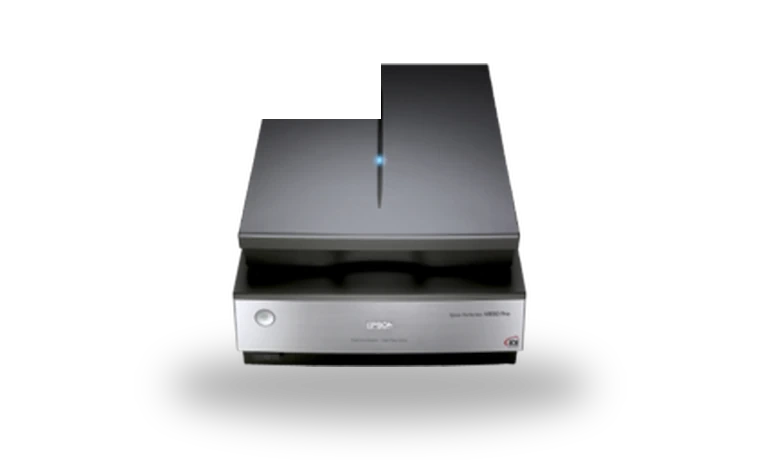
Epson Perfection V850 Pro Scanner Driver for Windows
Epson Epson Perfection V850 Pro Film and photo flatbed scanner driver
Epson Perfection V850 Pro is a studio flatbed scanner used for photo prints, negatives and mounted slides. This Windows package installs EPSON Scan for the V800/V850 family, so the scanner can be used from Epson Scan and TWAIN-aware photo applications.
Epson Perfection V850 Pro driver overview
The V850 Pro is not a basic office scanner: many owners keep it for film holders, archive work and high-resolution scans. This page keeps the Windows scanner driver locally with the version, file size and checksum shown before download, which is useful when rebuilding a workstation or keeping a photography workflow stable.
When this scanner driver helps
- Epson Scan no longer opens after reinstalling Windows.
- The V850 Pro appears in Device Manager but scanning software cannot find it.
- You need the classic Epson Scan package for a photo or film scanning workstation.
Supported Windows versions
Windows 11 / 10 / 8.1 / 8 / 7 (32-bit / 64-bit).
Before installing
- Connect the scanner directly by USB before testing the driver.
- Install Epson Scan before opening third-party scanning software.
- If an older Epson package is already installed, remove it first and reboot.
The file is stored in the drivers-search.com library. Before installing, compare the model, Windows version, file size and SHA256 checksum shown on this page.
Driver file details
- Version
- 3.9.3.7
- Release date
- 2025-07-09
- Size
- 47.37 MB (49,666,496 bytes)
- File type
- EXE
- Manufacturer
- Epson
- SHA256 / MD5
- SHA256: 97bee6a1f0273a464a2d362aeac6ec8a2aaa3ebfa6467db59943176234cf48f9
How we verify files
- We compare the model, version, and operating system with manufacturer data.
- When an official reference is available, we show the original source.
- We keep checksums so the file can be verified after download.
- We do not disguise third-party installers as drivers.
Installation guide
- Download the file only from the trusted link on this page.
- Check the file size and checksum when they are provided.
- Run the file as administrator only if you trust the source.
- Follow the installer steps and restart the PC if required.
Available downloads
Choose the package that matches your Windows version and installation needs.
Installation screenshots
Visual setup checkpoints before changing Windows driver settings.
Ask a question