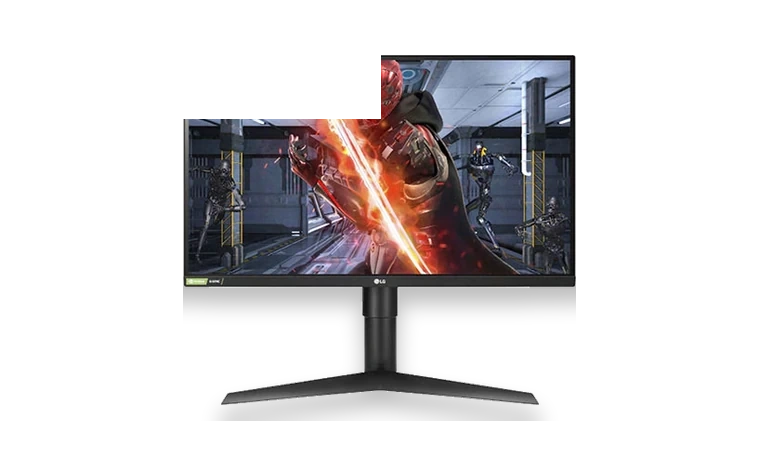
LG 27GL850-B monitor driver installs the display INF so Windows can identify the UltraGear monitor correctly.
27GL850-B driver overview
This driver is a compact monitor package rather than a graphics driver. It helps Windows label the LG 27GL850-B correctly and apply the vendor monitor profile where needed.
When this package helps
- Windows detects the LG monitor as a generic display.
- The LG monitor profile is missing after reinstalling Windows.
- A clean gaming PC build needs the exact monitor INF installed.
Supported Windows versions
Windows 11 / 10 / 8.1 / 7
Before installing
- Extract the ZIP before selecting the INF file.
- Refresh rate support still depends on cable type and GPU driver.
- Use DisplayPort for high refresh rates where the monitor and GPU support it.
The download stored here is a local copy for this driver page. Compare the model, version, file size and SHA256 checksum before running the installer or importing the INF/CAB package in Device Manager.
Driver file details
- Version
- 27GL850
- Release date
- 2019-10-14
- Size
- 6.68 KB (6,841 bytes)
- File type
- ZIP
- Manufacturer
- LG
- SHA256 / MD5
- SHA256: eb9898f047e7126f474c0bbd9264a39275d5d658494ae65619d459a5bb9cf2df
How we verify files
- We compare the model, version, and operating system with manufacturer data.
- When an official reference is available, we show the original source.
- We keep checksums so the file can be verified after download.
- We do not disguise third-party installers as drivers.
Installation guide
- Download the file only from the trusted link on this page.
- Check the file size and checksum when they are provided.
- Run the file as administrator only if you trust the source.
- Follow the installer steps and restart the PC if required.
Available downloads
Choose the package that matches your Windows version and installation needs.
LG 27GL850-B Monitor Driver for Windows | 27GL850 | 2019-10-14 | Windows 11 / 10 / 8.1 / 7 | 32-bit / 64-bit | 6.68 KB (6,841 bytes) | https://drivers-search.com/uploads/public_files/2026-06/lg-27gl850-b-monitor-driver.zip | SHA256: eb9898f047e7126f474c0bbd9264a39275d5d658494ae65619d459a5bb9cf2df | https://www.lg.com/us/support/product/lg-27GL850-B.AUS
Installation screenshots
Visual setup checkpoints before changing Windows driver settings.
/uploads/install-screens/chipset-monitor-20260621/lg-27gl850-b-monitor-driver/lg-27gl850-b-monitor-driver-install-01.webp?v=4 | Open Device Manager | Find LG 27GL850-B Monitor or the matching device class before updating the driver. | LG 27GL850-B Monitor Device Manager selection
/uploads/install-screens/chipset-monitor-20260621/lg-27gl850-b-monitor-driver/lg-27gl850-b-monitor-driver-install-02.webp?v=4 | Browse local package | Choose the extracted local driver folder for LG 27GL850-B Monitor. | LG 27GL850-B Monitor local driver folder selection
/uploads/install-screens/chipset-monitor-20260621/lg-27gl850-b-monitor-driver/lg-27gl850-b-monitor-driver-install-03.webp?v=4 | Select driver entry | Select the matching INF or driver entry and confirm the model name. | LG 27GL850-B Monitor driver entry selection
/uploads/install-screens/chipset-monitor-20260621/lg-27gl850-b-monitor-driver/lg-27gl850-b-monitor-driver-install-04.webp?v=4 | Finish installation | Close the wizard after Windows confirms the driver update. | LG 27GL850-B Monitor successful driver installation
Ask a question