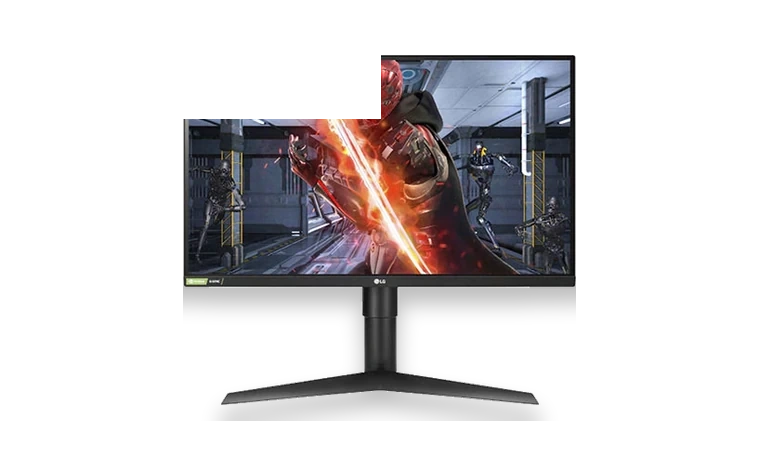
Official driverVerified local copy
LG 27GL850-B Monitor Driver for Windows
LG 27GL850-B Monitor with version, file size, source, and checksum details.
HP driver pages in this library are grouped by real device type, not by a pile of generic download links. Use this page when you want to find HP hardware first, then choose the exact model page with version, size, supported Windows releases and file verification details.
HP driver pages usually cover LaserJet and OfficeJet printers, ScanJet scanners, notebooks and business desktop hardware.
Start with the device model printed on the label, case, Windows Device Manager entry or manufacturer support page. Do not choose a driver only because the brand name matches: a similar model can use a different chipset, scanner module, firmware branch or Windows package.
On each driver page, compare the Windows version, 32-bit or 64-bit architecture, file size and version before installing. When several packages are available, choose the one that matches the operating system first, then the device revision or feature set.
This page is maintained as a practical catalog page, not as a news post. As more models are added, the links below should lead to exact driver pages or narrower brand sections instead of search results.
LG 27GL850-B Monitor with version, file size, source, and checksum details.
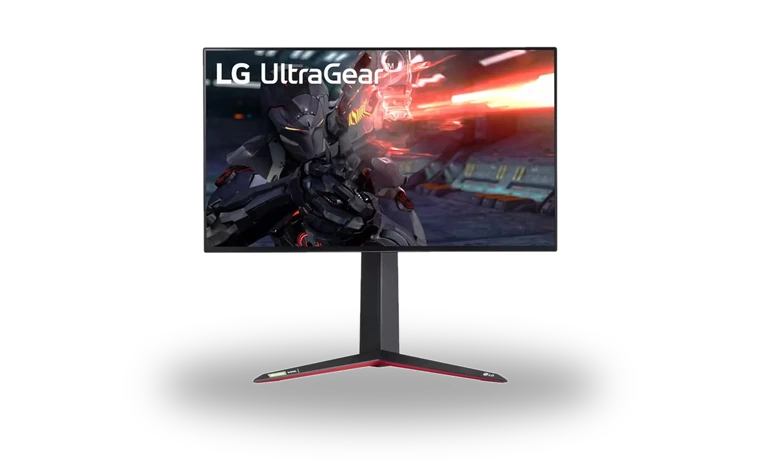
LG UltraGear 27GN950-B monitor with version, file size, source, and checksum details.