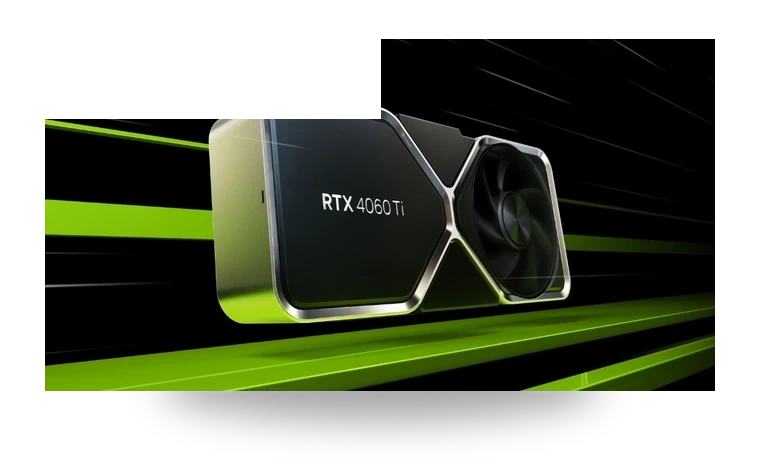
NVIDIA GeForce RTX 4060 Driver for Windows
NVIDIA NVIDIA GeForce RTX 4060 Desktop graphics card driver
The GeForce RTX 4060 uses NVIDIA's current Game Ready driver branch for Windows 11 and Windows 10. This page is for users who already know they have an RTX 4060 card and want the local driver package with the version, size and checksum shown before download.
NVIDIA GeForce RTX 4060 driver overview
RTX 4060 systems usually need this driver after a clean Windows install, a card swap, or when games keep reporting an outdated NVIDIA display driver. The same NVIDIA package supports a range of GeForce RTX cards, but the page is kept model-specific so the download, notes and setup checks are easier to follow.
When this graphics driver helps
- Windows is using Microsoft Basic Display Adapter after installing the RTX 4060.
- NVIDIA Control Panel or the NVIDIA App is missing after a clean installation.
- A game, creator app or CUDA workload asks for a newer NVIDIA driver.
Supported Windows versions
Windows 11 / 10 (64-bit).
Before installing
- Close games and GPU monitoring tools before starting the installer.
- Choose a clean installation if an older GeForce driver is causing display issues.
- Keep the monitor connected to the RTX 4060 output while the driver is installed.
The file is stored in the drivers-search.com library. Before installing, compare the model, Windows version, file size and checksum shown on this page.
Driver file details
- Version
- 595.97
- Release date
- 2026-03-24
- Size
- 913.01 MB (957,358,592 bytes)
- File type
- EXE
- Manufacturer
- NVIDIA
- SHA256 / MD5
- SHA256: 979ed00fea181c786f608967377d6d83ac82e6368275994a4182ec79d97b3122
How we verify files
- We compare the model, version, and operating system with manufacturer data.
- When an official reference is available, we show the original source.
- We keep checksums so the file can be verified after download.
- We do not disguise third-party installers as drivers.
Installation guide
- Download the file only from the trusted link on this page.
- Check the file size and checksum when they are provided.
- Run the file as administrator only if you trust the source.
- Follow the installer steps and restart the PC if required.
Available downloads
Choose the package that matches your Windows version and installation needs.
Installation screenshots
Visual setup checkpoints before changing Windows driver settings.
Ask a question